
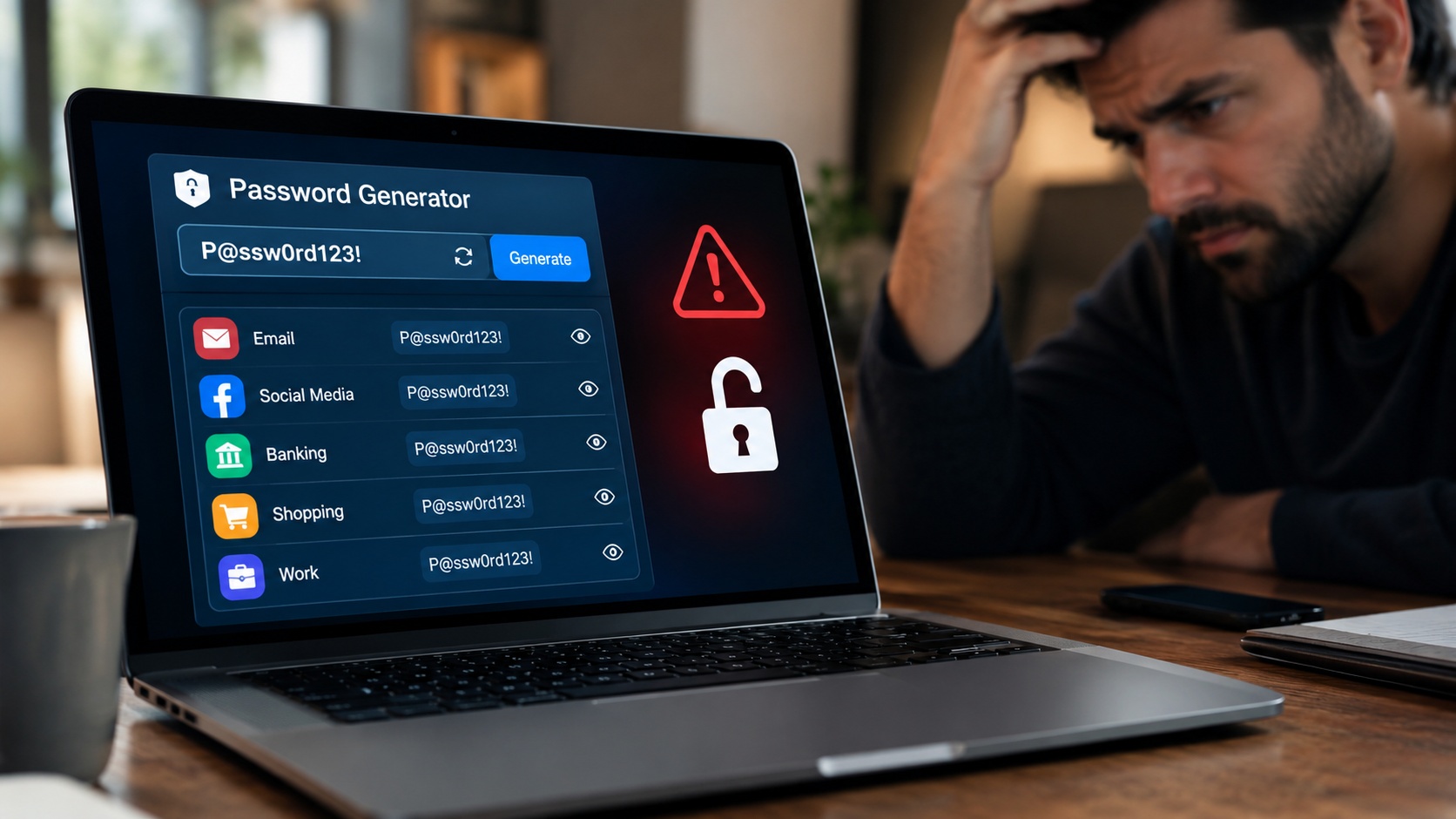
A free password generator can help protect your digital life by creating strong, unique passwords for different accounts. But what happens when one familiar password becomes the key to everything you own online?
The Morning One Password Changed Everything
Imagine Riya, a young professional who uses the same password for five accounts: email, online shopping, social media, cloud storage, and banking. Remembering one password seems convenient, especially when life is already busy.
One morning, she receives an email notification about an unfamiliar login attempt. Initially, she ignores it. Hours later, she discovers that someone has accessed her shopping account and changed its delivery address.
The problem becomes more serious when she realises that her email account uses the same password. If an attacker gains access to her inbox, they may exploit password-reset links to target her other accounts, potentially exposing personal information and financial details.
Riya’s mistake was not choosing a password that was easy to remember. It was trusting one password to protect five different digital identities.
Five Doors, One Key: Where Security Breaks Down
Reusing passwords creates a chain reaction. If attackers obtain credentials from a compromised website, they may try those same details on other popular services. This technique, known as credential stuffing, takes advantage of people’s password-reuse habits.
Even a reasonably complex password cannot protect every account if it is reused and exposed elsewhere. Each account needs its own unique password to prevent one security incident from spreading across multiple services.
So, how can you create different passwords without struggling to remember dozens of complicated combinations?
Let a Free Password Generator Do the Heavy Lifting
A free password generator creates passwords using combinations of letters, numbers, and symbols. Depending on the tool, users can customise password length and choose which character types to include.
Instead of inventing variations of the same password, you can generate a different, random password for every account. Longer, unpredictable passwords are generally harder to guess, particularly when they avoid personal details, common words, and familiar patterns.
When choosing a generator, prioritise reputable tools that explain how passwords are created. Prefer options that generate passwords locally in your browser, where possible, without transmitting or storing them on a server. Check the tool’s privacy practices before using it.
However, generating strong passwords solves only part of the problem. You also need a practical way to manage them.
Turn Password Chaos into a Manageable System
Follow these steps to improve your account security:
- Generate a unique password for every important account.
- Store passwords in a reputable password manager instead of reusing or writing them carelessly.
- Enable multifactor authentication, especially for email, banking, and other sensitive accounts.
- Replace reused or exposed passwords, starting with your primary email account.
- Never share passwords through insecure messages or unexpected requests.
These habits work together. A password generator creates stronger credentials, a password manager helps you organise them, and multifactor authentication adds another layer of protection.
Your Next Click Can Change Your Security
Riya’s experience highlights a simple lesson: convenience should never come at the expense of security. You cannot control every data breach, but you can reduce the damage one compromised account might cause.
Using a free password generator is a practical first step towards building safer digital habits. Give every account its own key, protect those keys carefully, and make your next login a smarter one.